






























This folder was downloaded, so the browser is showing the text only. Close this tab and double-click Open StoreLab Website.bat in the same folder.

Make the idea visible. Make the decision easier.

For brands, retailers and their partners. See the idea, agree it, test it with shoppers and get it delivered, before the money is spent.
The bigger picture

Why
StoreLab™?

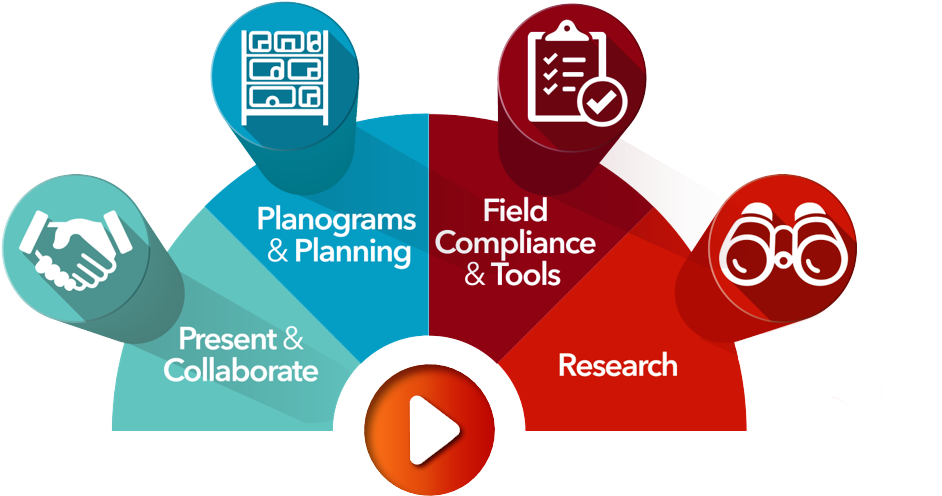
StoreLab four capability areas: Present & Collaborate, Planograms & Planning, Field Compliance & Tools, and Research.

Good ideas move faster when everyone can see them.

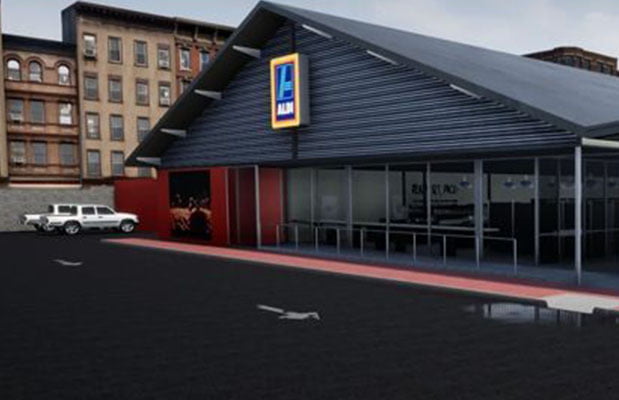
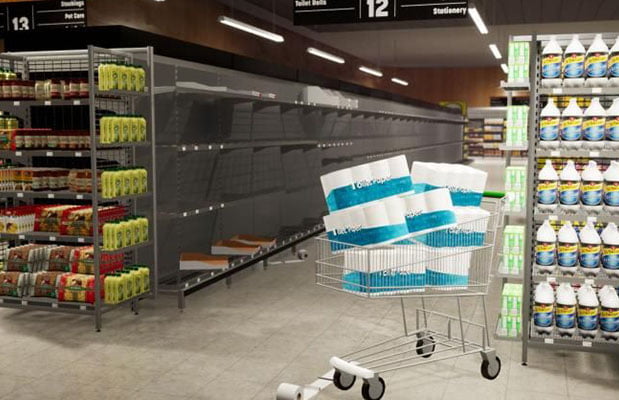
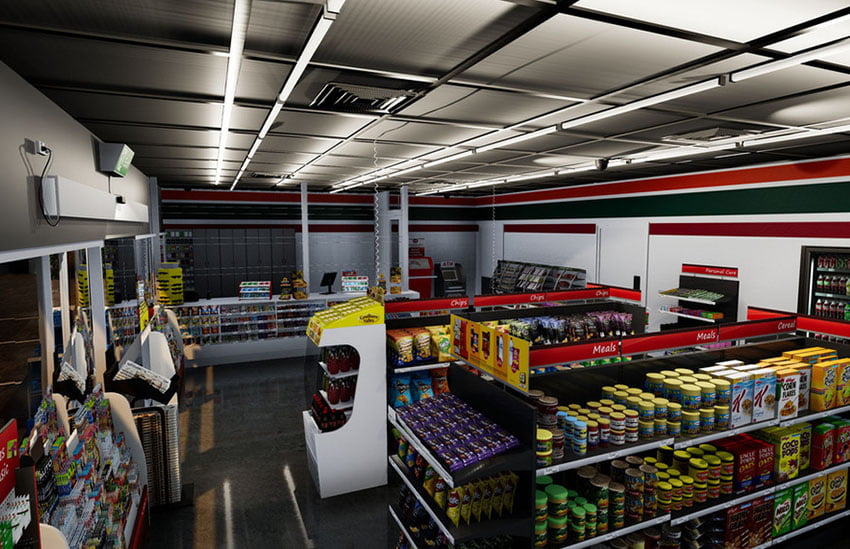
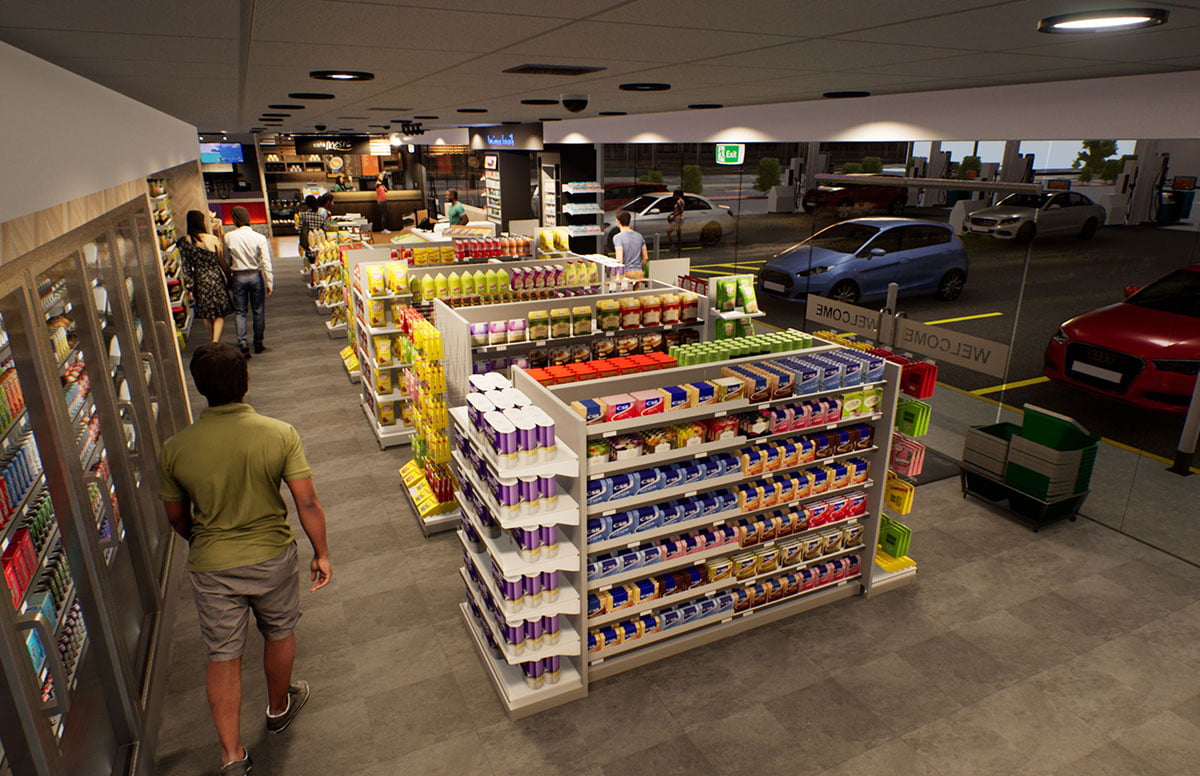
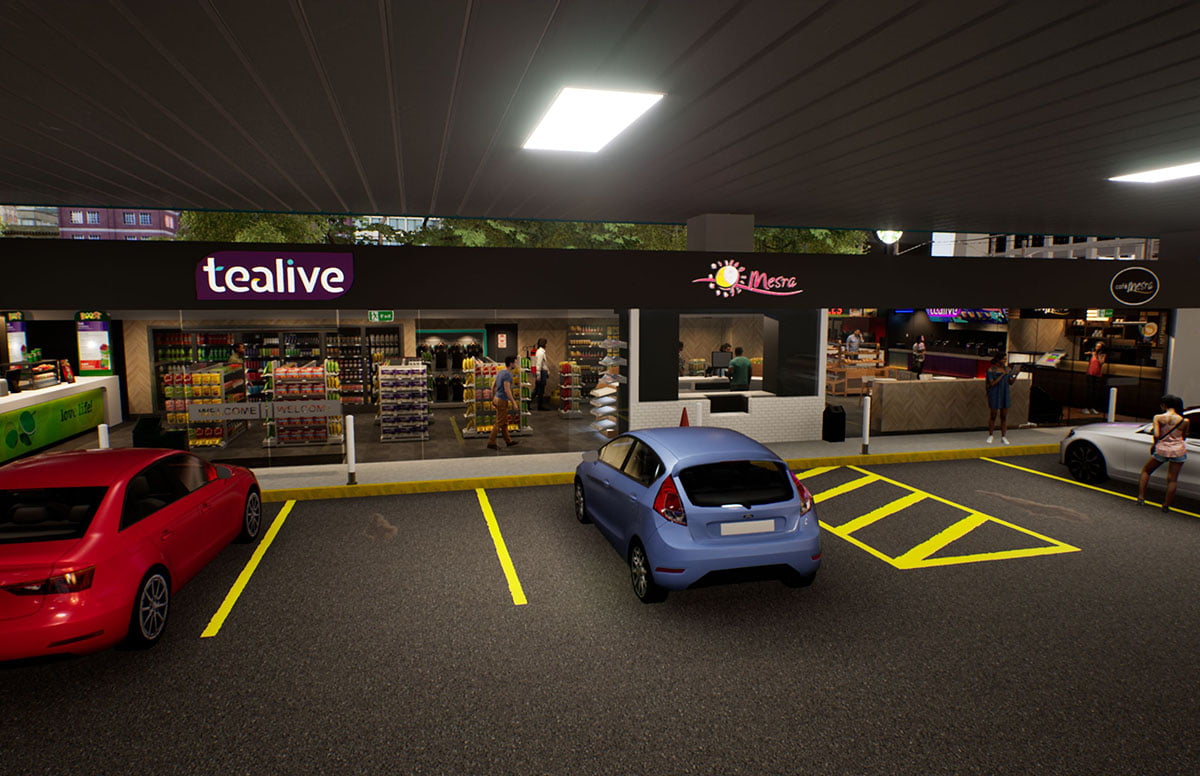
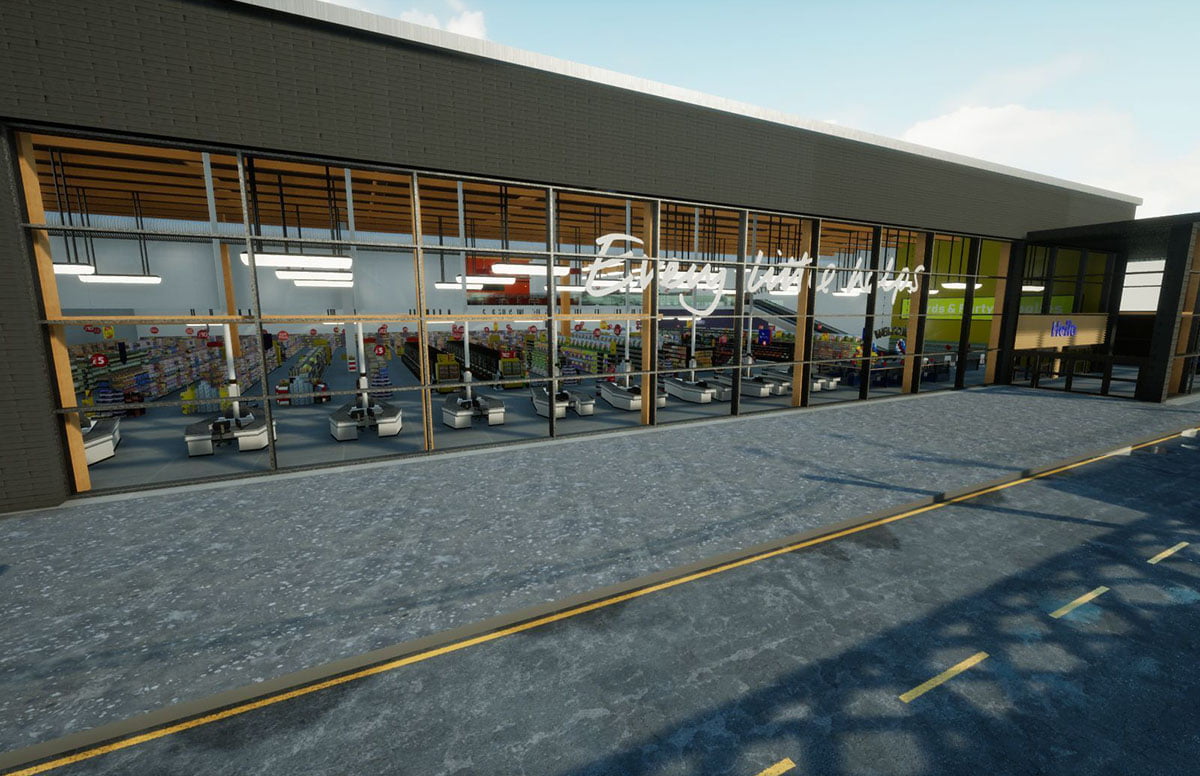
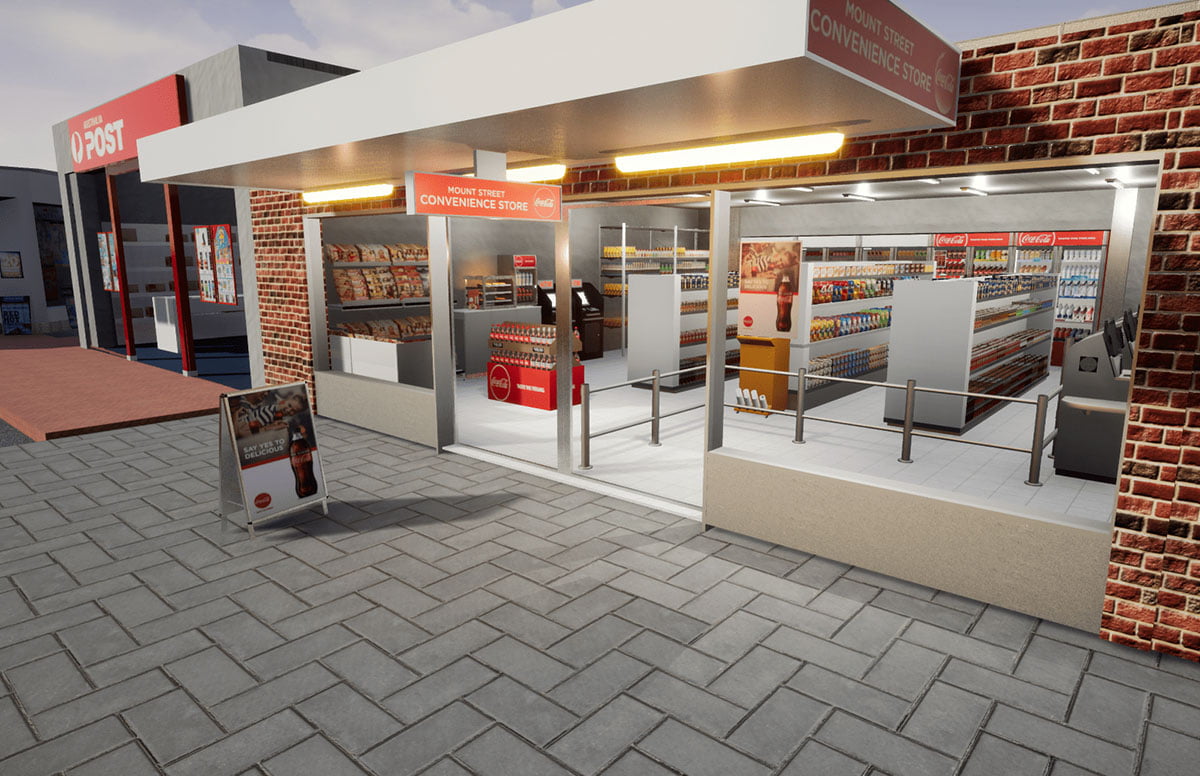
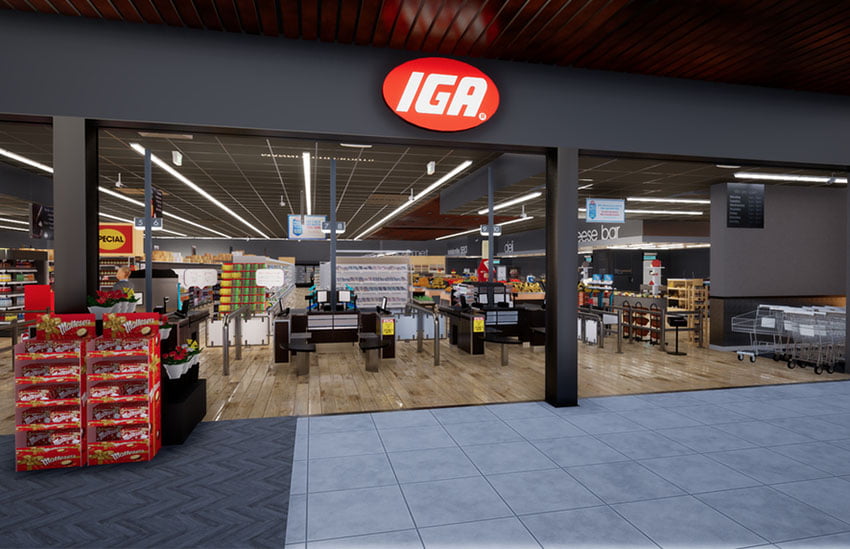
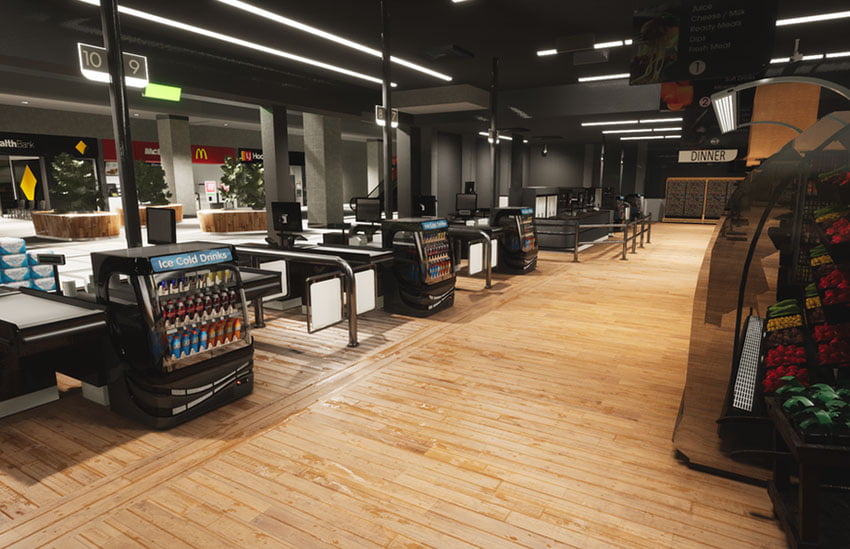
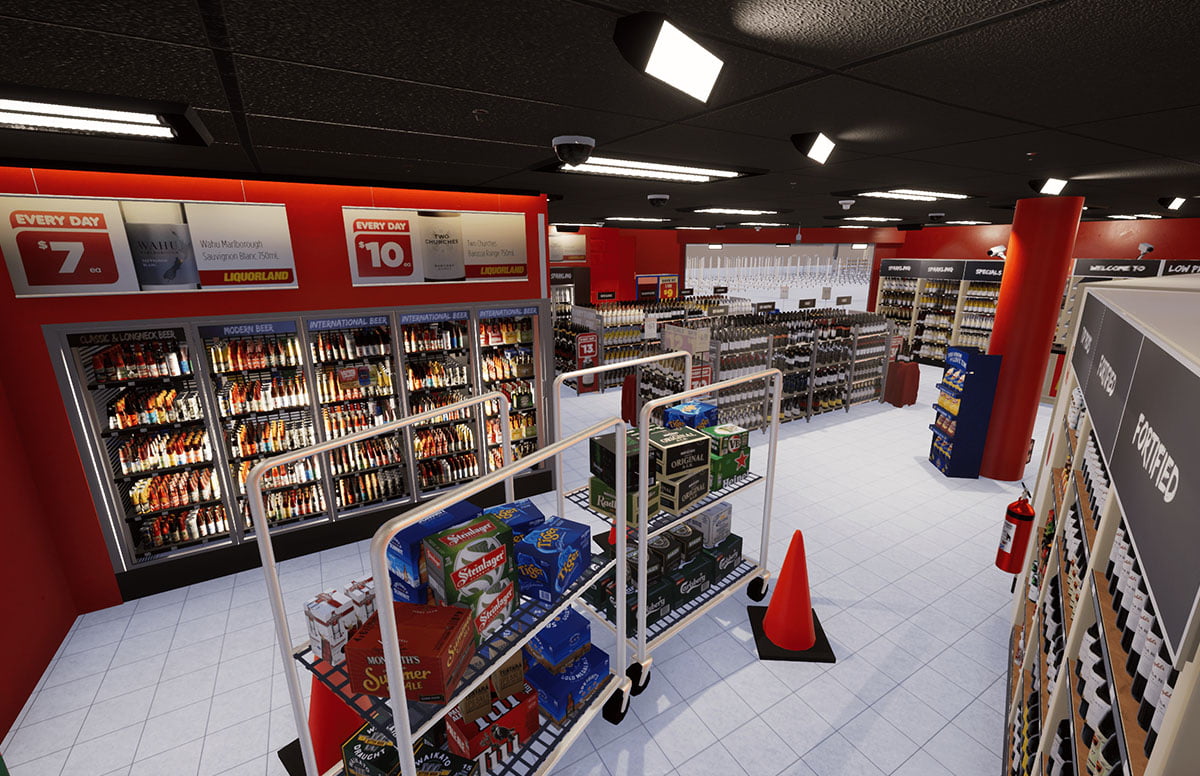
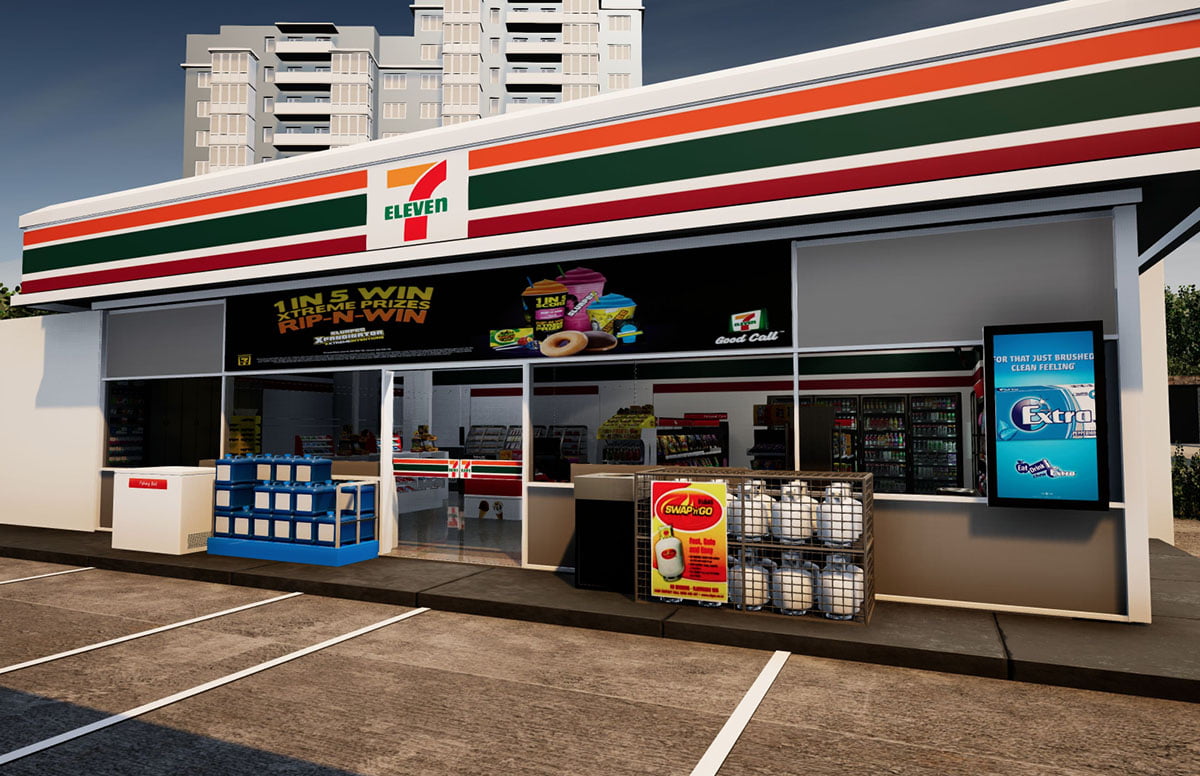
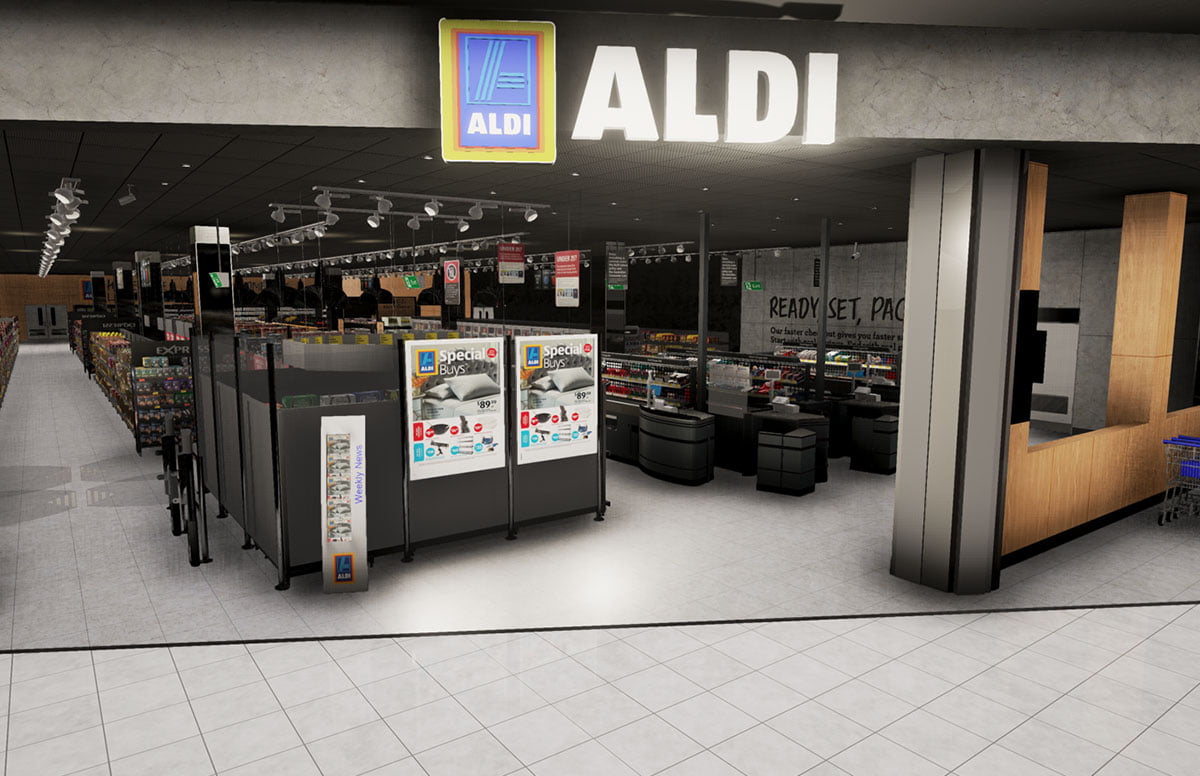
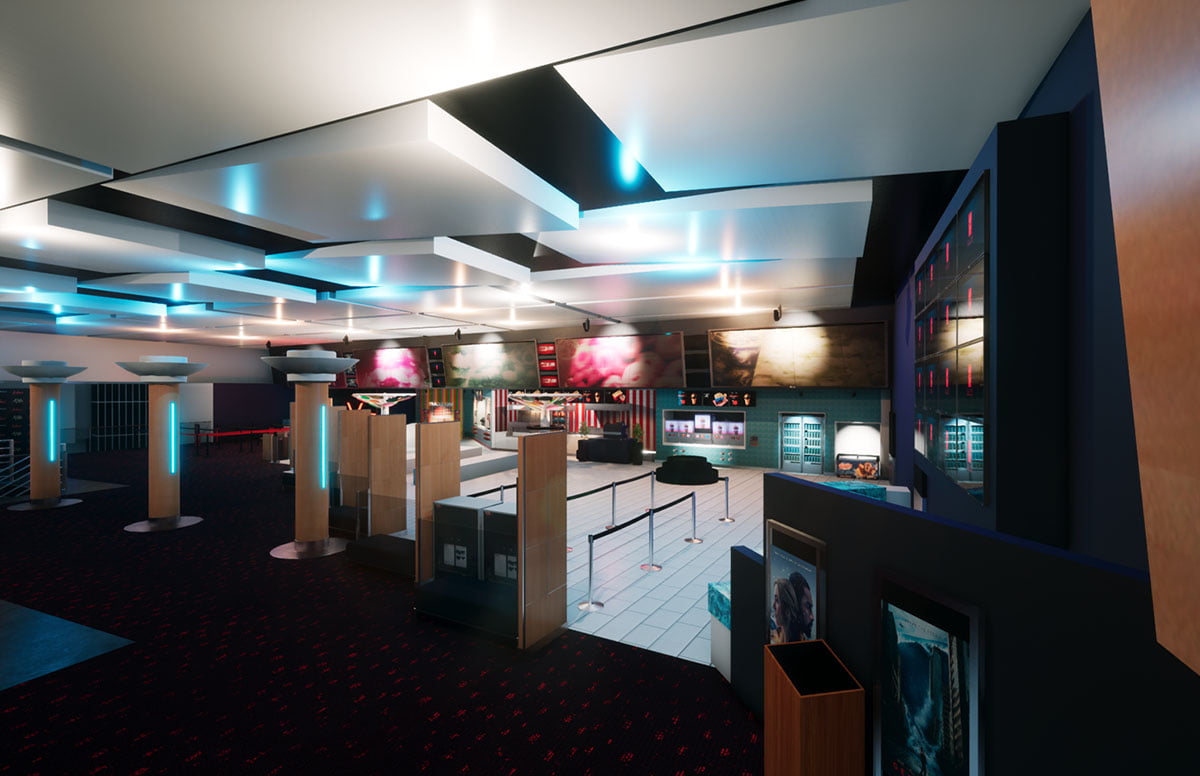
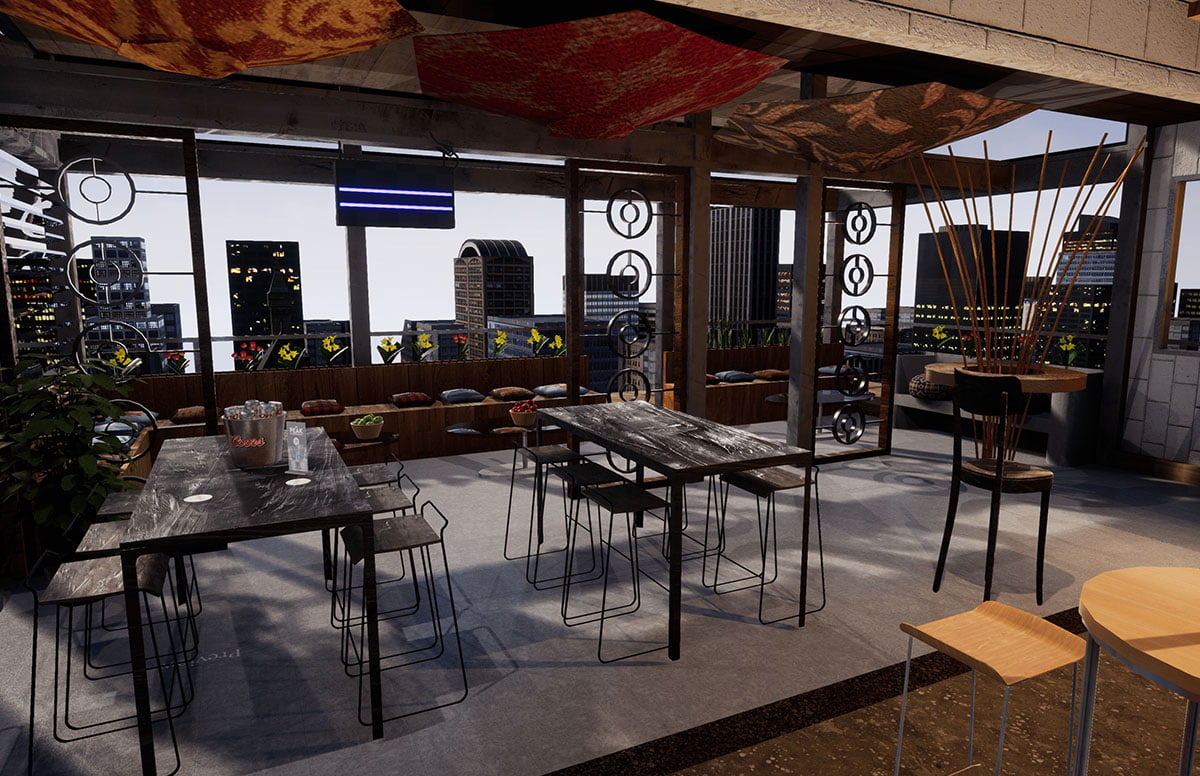
StoreLab turns the idea into a realistic store, space or situation. The room can agree it. Shoppers can show you what they actually do. The people in store can see what good looks like.

For a retail decision, that means four things: present the idea, plan the range and space, test it with shoppers, then make the plan happen in store. Use one, or combine them around the challenge.

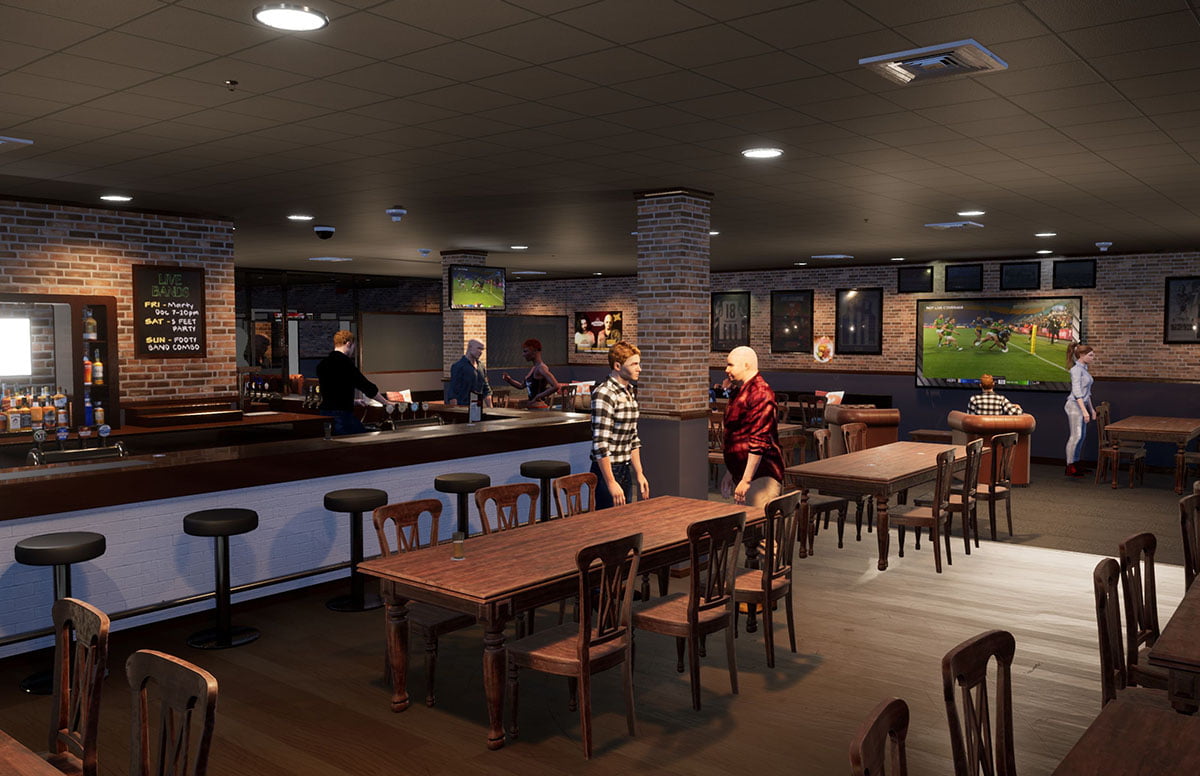
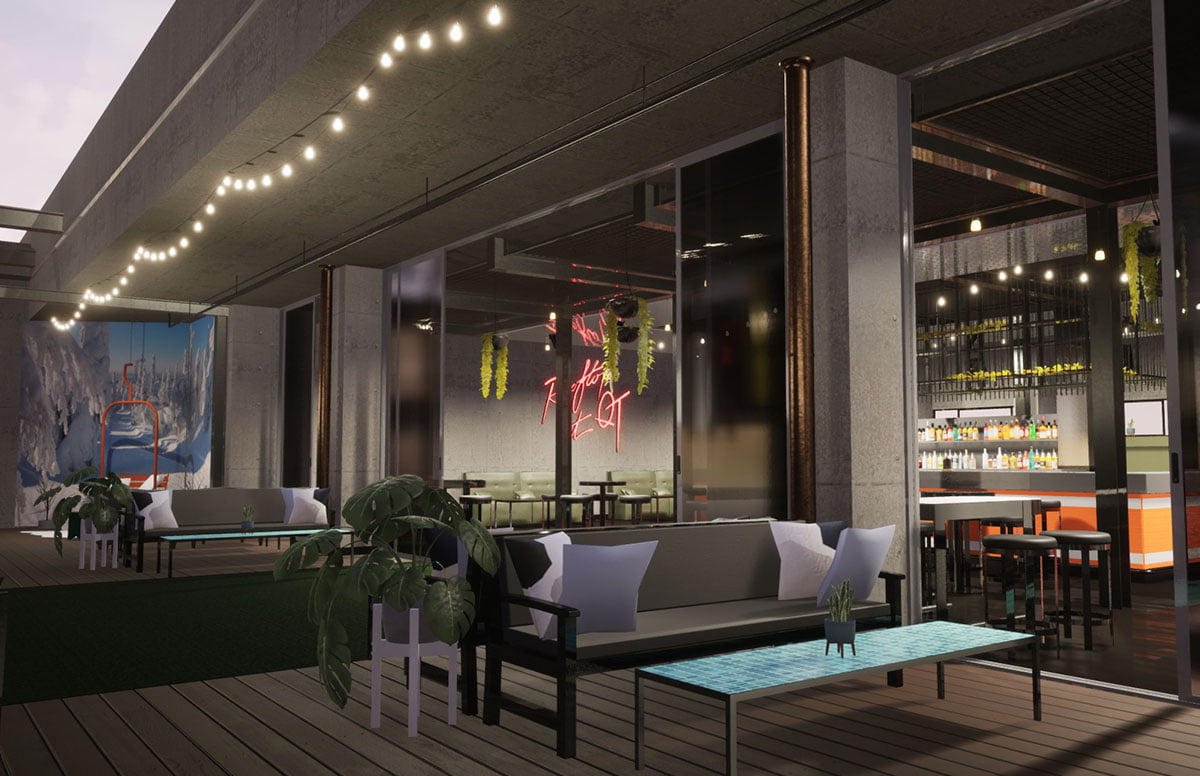
When the brief is a product, a place, a skill or a game, the same approach builds a Digital Twin, a Training Simulation, an Architectural Visualisation or a game.

Present & Collaborate

Put the store in the meeting. Change the idea live until everyone is looking at the same decision.

Planograms & Planning

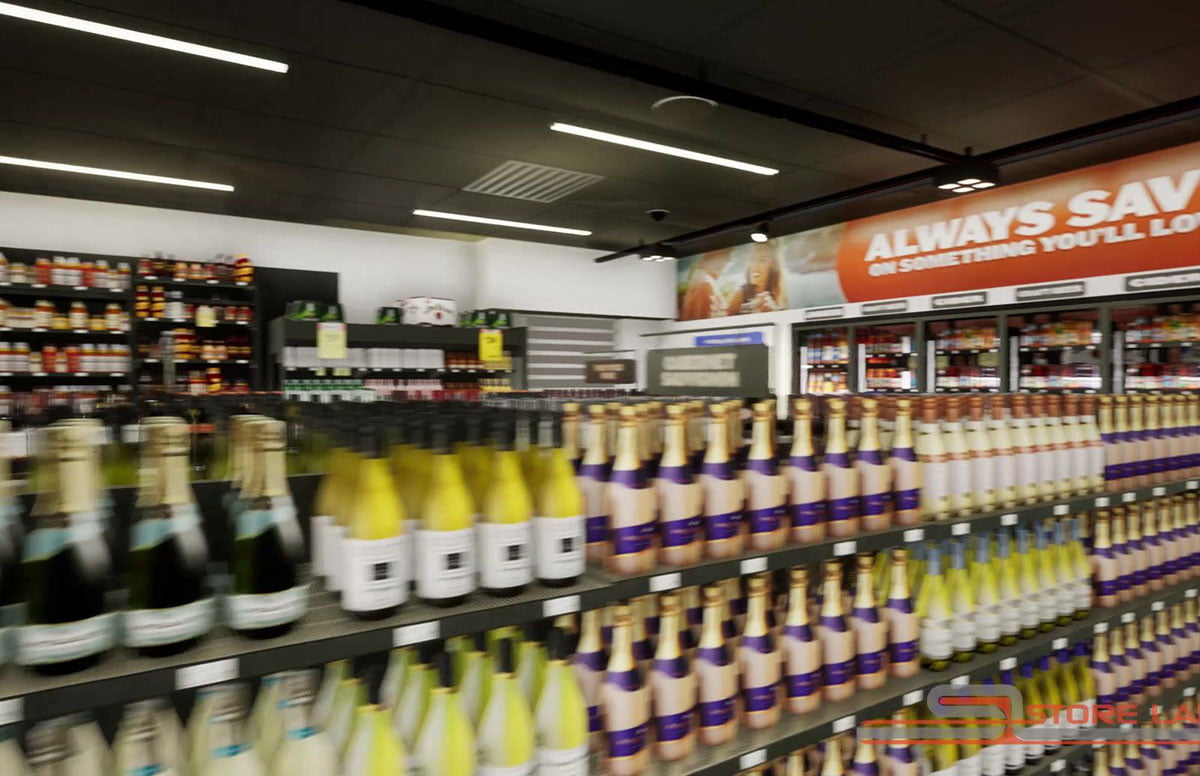
See the range on the shelf it will actually sit on. Compare the options, and show why one of them is the right call.

Field Compliance & Tools

Show the team what good looks like, then see whether it happened. The brief, the visit and the evidence stay connected.

Research

See what shoppers notice, choose and miss before you commit the pack, the range or the store.
Present & Collaborate

StoreLabConnect™

Bring the store into the conversation.
Connect™ is the shared store for the meeting. Change the layout, the range and the scenario while everyone is still in the room, then leave with the story and the next step.
Planograms & Planning

See the shelf in context.

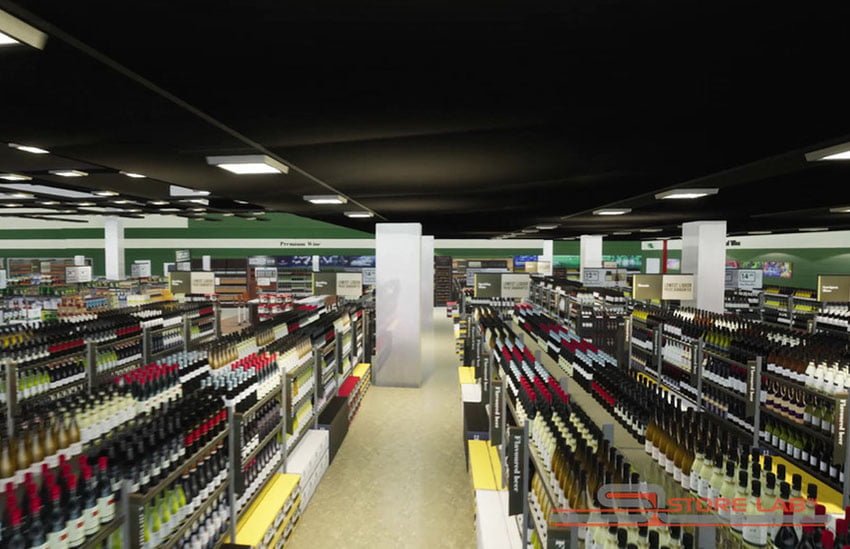
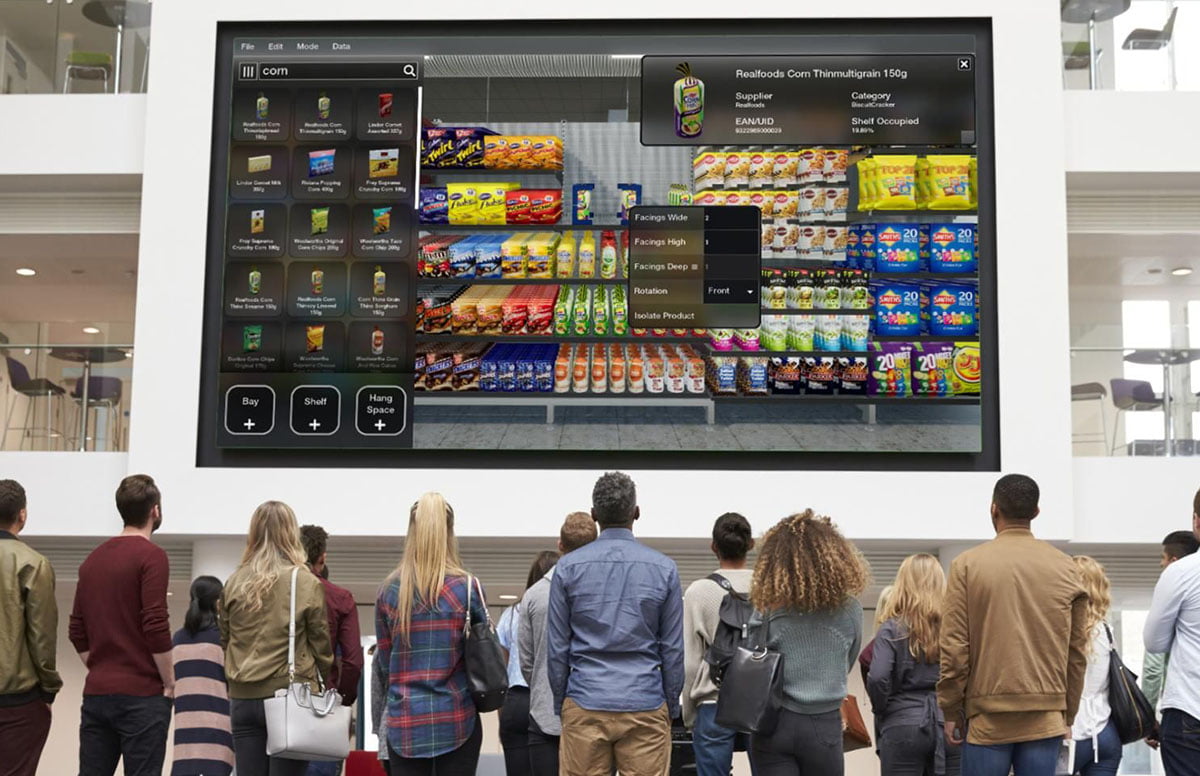
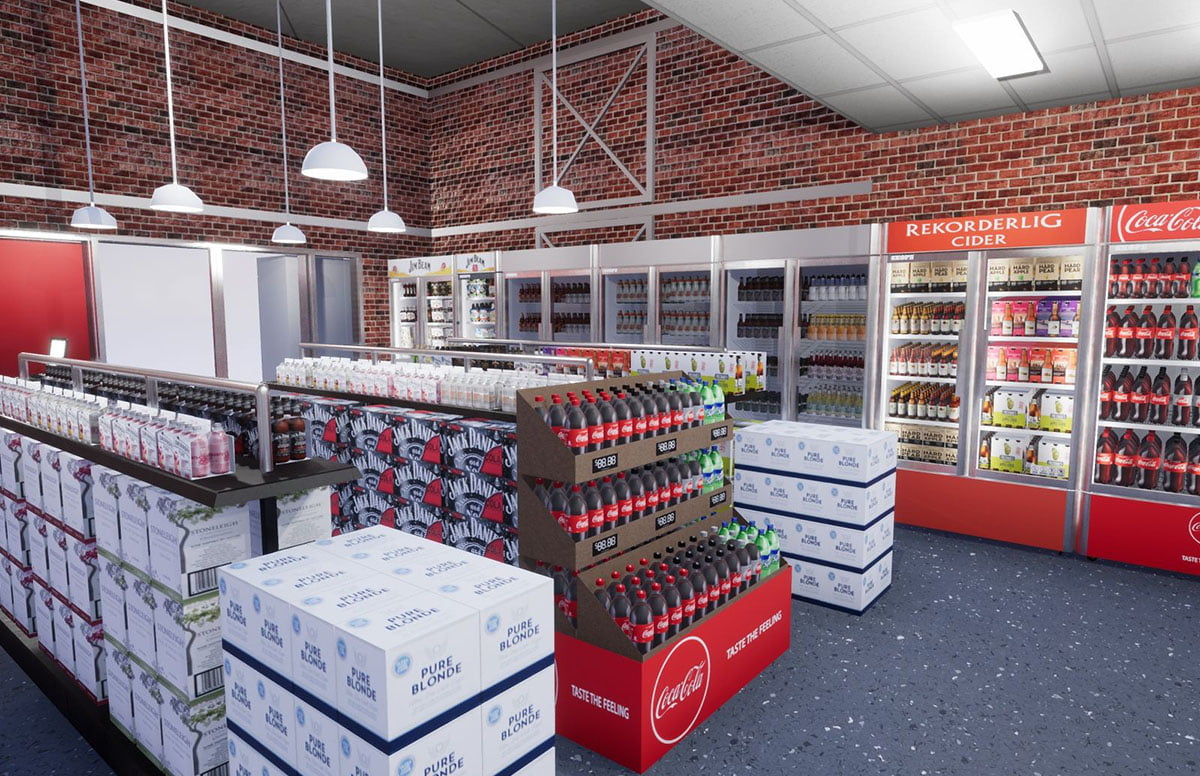
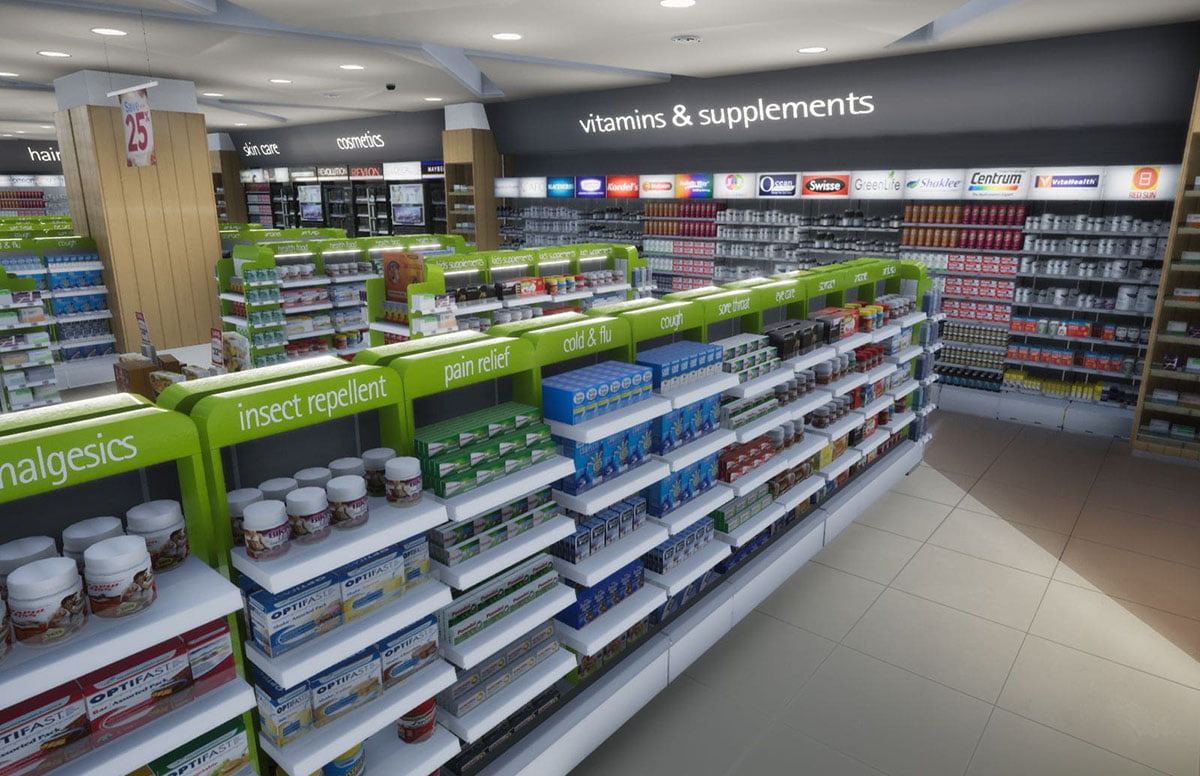
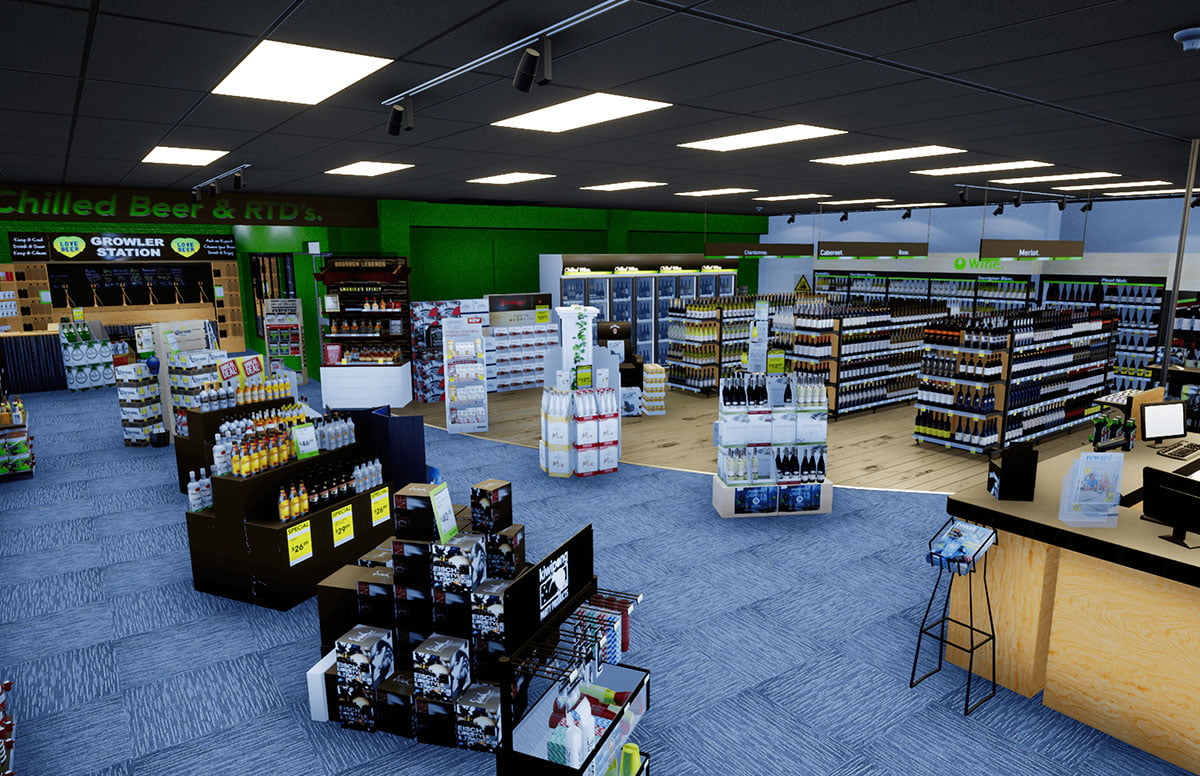
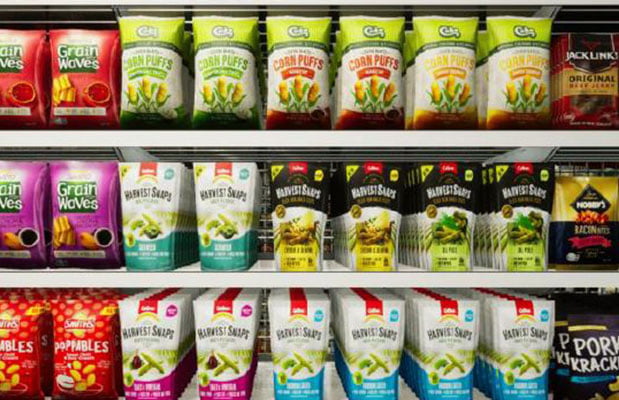
Bring the range and the space to life before the recommendation reaches store. Import the planogram, compare the options, put the numbers on the shelf and walk it from the bay to the whole store.
You do it. We do it. Or a blend of both.
01

Planograms in context

Import and update .PSA planograms and see the shelf inside a realistic environment.
02

Compare scenarios

Explore range, facings, adjacencies, displays and alternative layouts side by side.
03

Walk the environment

Move from shelf to aisle to whole-store view to understand flow, adjacencies and context.
04

Refine ideas live

Make changes during working sessions so teams and customers can explore options together.
05

Overlay planning data

Bring sales, space or shopper measures into the visual story where they add value.
06

Reuse your environments

Build on existing products, fixtures and stores instead of starting again for every brief.
07

Tell the story

Create stills, video and walkthroughs that make recommendations easier to understand and share.
08

Flexible delivery

Use Connect™ yourself, ask StoreLab to build it, or combine both approaches around your team and brief.
PRODUCT MODELS

55 K+

Individual 3D product models / SKUs ready to use and build from
VIRTUAL ENVIRONMENTS

200 +

Built and deployed globally
PROVEN EXPERIENCE

10+YEARS

Delivering virtual solutions for brands, retailers and agencies
BUILT TO DEPLOY

GLOBAL

Used across markets, teams and customer environments
Research

StoreLab™ Research

See what shoppers do before you commit.
Test the pack, the planogram, the signage, the campaign or the store concept in a realistic environment. See what people do, hear why, and leave with a recommendation the team can use.

Decision-led studies

Start with the business decision and shape the study and methods around it.

Immersive in-person

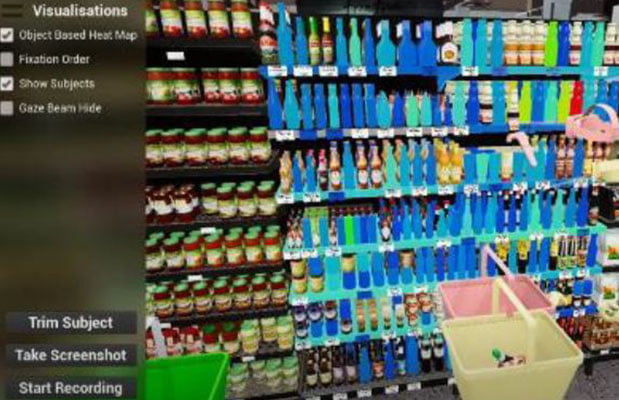
Observe navigation, choices and behaviour in controlled virtual shopping environments.

Online @ Home

Reach shoppers remotely with interactive virtual shopping experiences.

Focus groups

Put concepts into context and explore the reasons behind shopper responses.

Behavioural measurement

Capture navigation, choices and visual attention where the brief requires it.

Clear outputs

Turn findings into practical recommendations, not just raw data.
Field Compliance & Tools

StoreLab™ FieldForce™

Make the plan happen in store.
FieldForce™ turns the Picture of Success and the priorities for the cycle into guidance a field team can use while they are standing in the store.
Brief it, equip the team, check it was done, and send the evidence back to head office.
01

Picture of Success

Show exactly how products, displays, fixtures and campaign materials should look in store.
02

Cycle priorities

Keep current campaigns, promotions, new products and key actions clear for the field team.
03

Retailer-specific guidance

Tailor store walks and expectations by banner, format, channel or campaign.
04

Visual training

Use visual environments, walkthroughs and how-to content to build confidence before the visit.
05

Guided store walks

Give reps a clear sequence of tasks and checks to work through while they are in store.
06

Compliance evidence

Capture photos, observations and completion against the agreed standard.
07

Visual comparison

Compare actual execution with the intended outcome and make gaps easier to spot.
08

Geo-tagged feedback

Connect field evidence to location and focus follow-up where it matters most.
SEE STORELAB IN ACTION

See StoreLab in action

See how StoreLab brings ideas into context, from customer collaboration and shelf planning to shopper research, field execution, training and visualisation.
How We Work

Start with your challenge.

You do it. We do it. Or a blend of both. Your team can run the work, StoreLab can build and deliver it, or we can share it around the brief.

01 Understand the brief

What needs to be decided, who needs to see it, and when does the decision have to be made?

02 Choose the right approach

A shared store, a shopper study, a field programme, a twin, a training piece, a space or a game. One of them, or a blend.

03 Build the visual world

Start from the library where the products and stores already exist, or build what the brief still needs.

04 Explore & refine

Work the options with the team and the customer. Test them with shoppers when the decision needs evidence.

05 Put the work to use

Present it, train with it, put it in store, or keep the asset for the next brief.

© 2026 StoreLab™. All rights reserved.
Designed & developed by CJ Digital